Installation Tips
How to Install a Solar CCTV Camera: Placement and Setup Tips
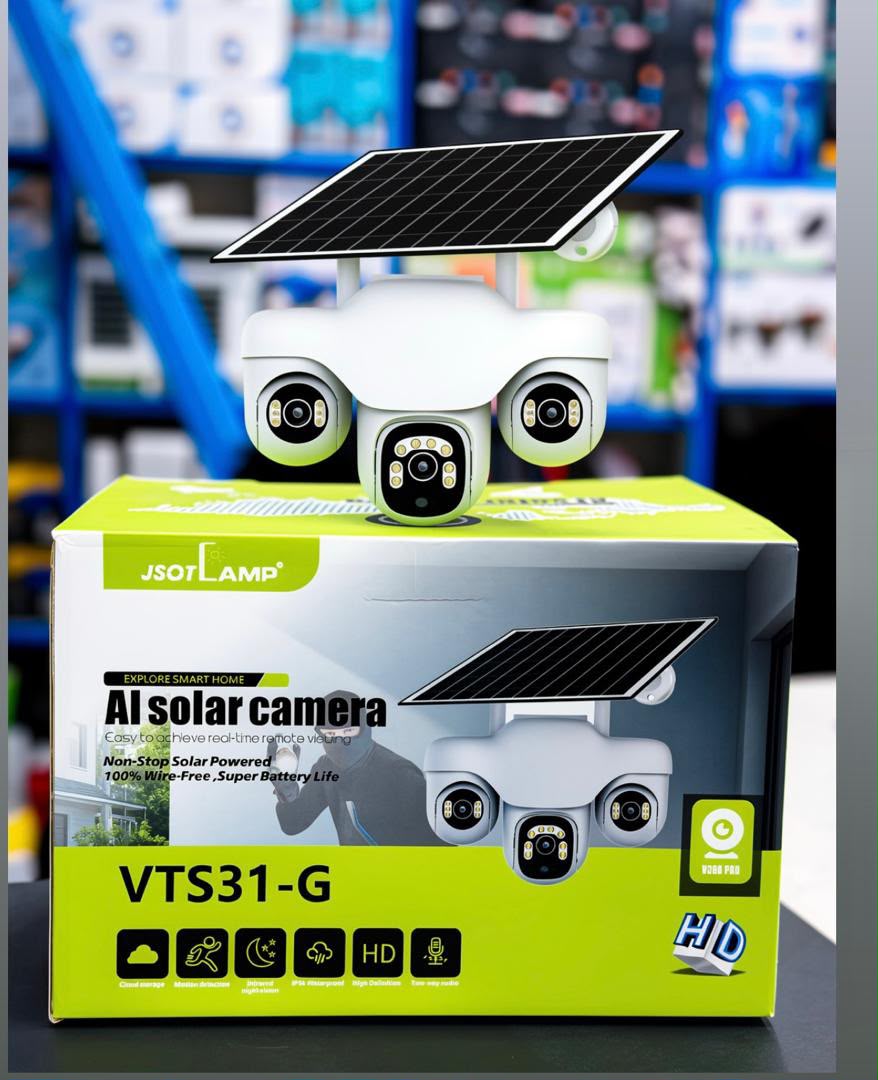
From sunlight and mounting height to SIM setup and app pairing — a practical guide to installing a solar CCTV camera so it never runs out of power.
A solar CCTV camera is one of the few security upgrades you can genuinely install yourself in about 30 minutes. The two things that decide whether it works for years or disappoints you in three months are placement and sunlight.
1. Choose the right spot
Mount it where people actually approach: the gate, driveway, shop entrance, backyard door or stockyard. Aim for a height of 3–4 metres — high enough that the camera cannot be easily reached or knocked, low enough that faces stay recognisable.
Try to keep busy public roads, footpaths and air-conditioner units out of the frame. They trigger constant motion alerts, and every false trigger costs battery.
2. Give the panel real sun
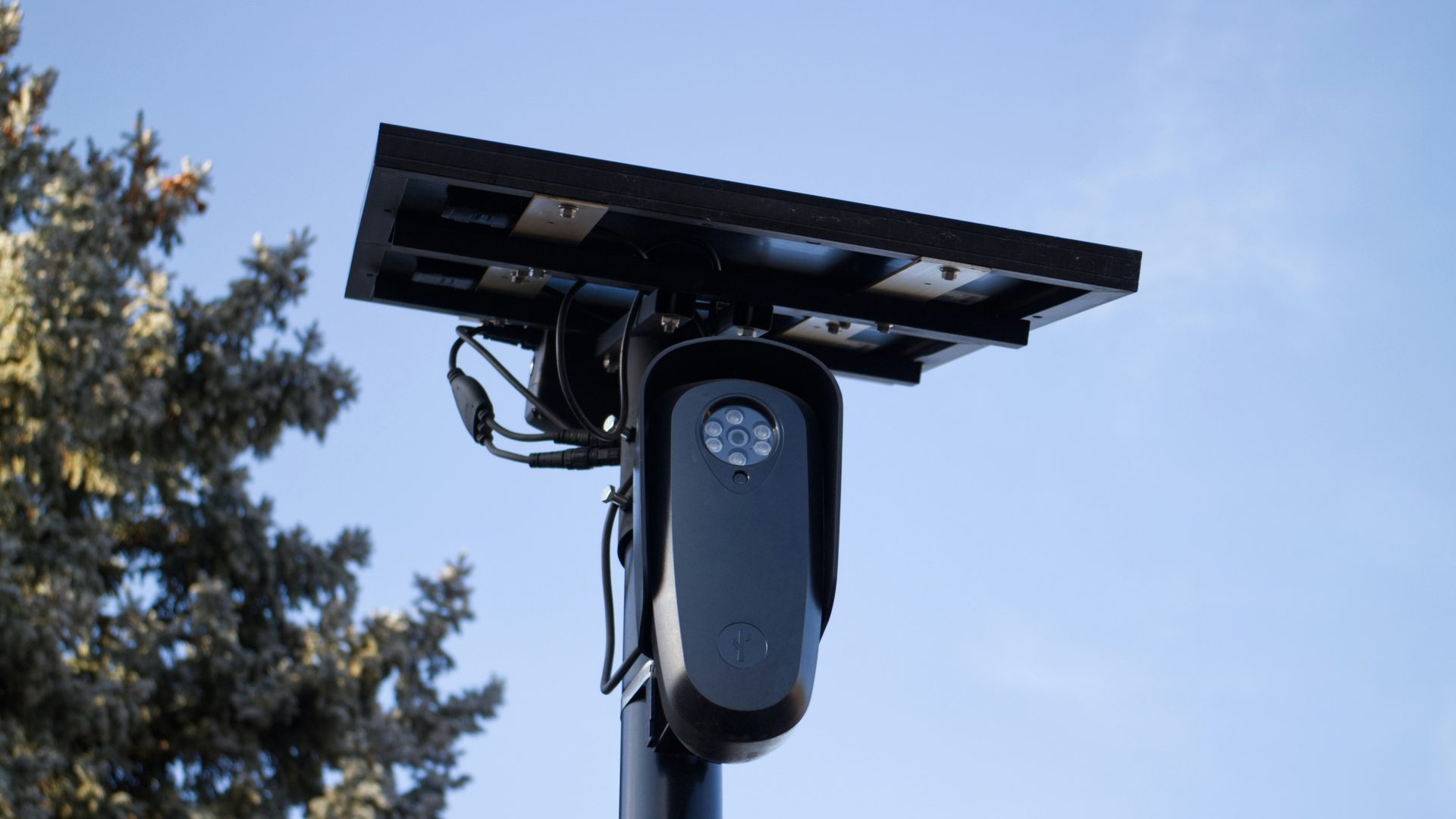
This is the mistake we see most often. A camera tucked under a deep roof eave sits in shade all day and the battery slowly dies. The panel needs about 3–4 hours of direct sunlight daily. In Kenya, tilt it towards the equator (north) and leave a small air gap behind it so heat does not build up.
Keep the panel clear of tree shade and above splash height — mud thrown up by rain is a common cause of lost output during the long rains.
3. Fit the SIM and memory card first
- Insert an active 4G SIM with data and confirm the camera connects before you mount it.
- Format and insert the microSD card (most accept up to 256GB) while the camera is still within reach.
- Charge the battery fully on day one so the unit starts with a full reserve.
4. Mount it properly
Use the supplied bracket with masonry screws on stone or timber and tighten firmly — a loose bracket is the main reason cameras end up pointing at the sky after a storm. Seal where the cable enters the wall and keep connectors off the ground so water cannot pool in them. Camera bodies are rated IP65 or IP66, but the connector is still the weak point.
5. Pair the app and tune the alerts
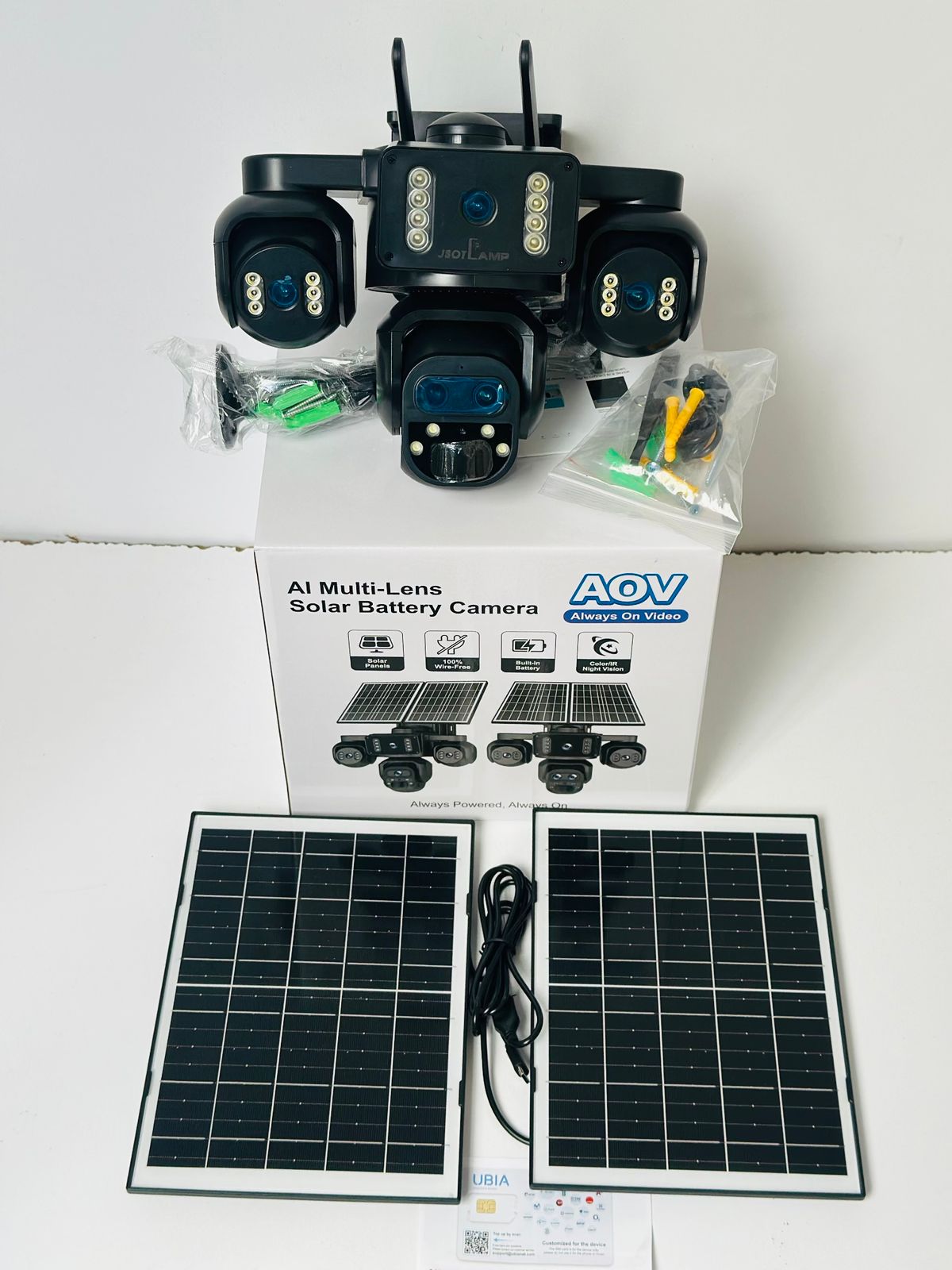
Pair with V380 Pro, Ubox or Tuya Smart, then set your motion zones (only the areas you care about), switch on human-detection-only alerts, keep clips at 10–15 seconds and use moderate sensitivity. Finally, do a walk test — in daylight and after dark — and adjust the angle before you put the tools away.
Prefer a professional fit? Request a free quote from the Suntech team — we install across Nairobi and nationwide.